
Grade 11 and I have been exploring chiaroscuro in the last few weeks. We started with looking at ourselves in mirrors, but they were so small, it was hard to work with. So we moved to taking black and white photographs and then worked to create large self portraits in charcoal and ink. we made sure to use strong lighting so we could study the effect of different distances and angles of lighting.
For my Coursera course I had to use mobile editing tools to create new meaning for an old photo. I used my chiaroscuro photo, which of course wasn’t very old, but I still decided to use it for this project.
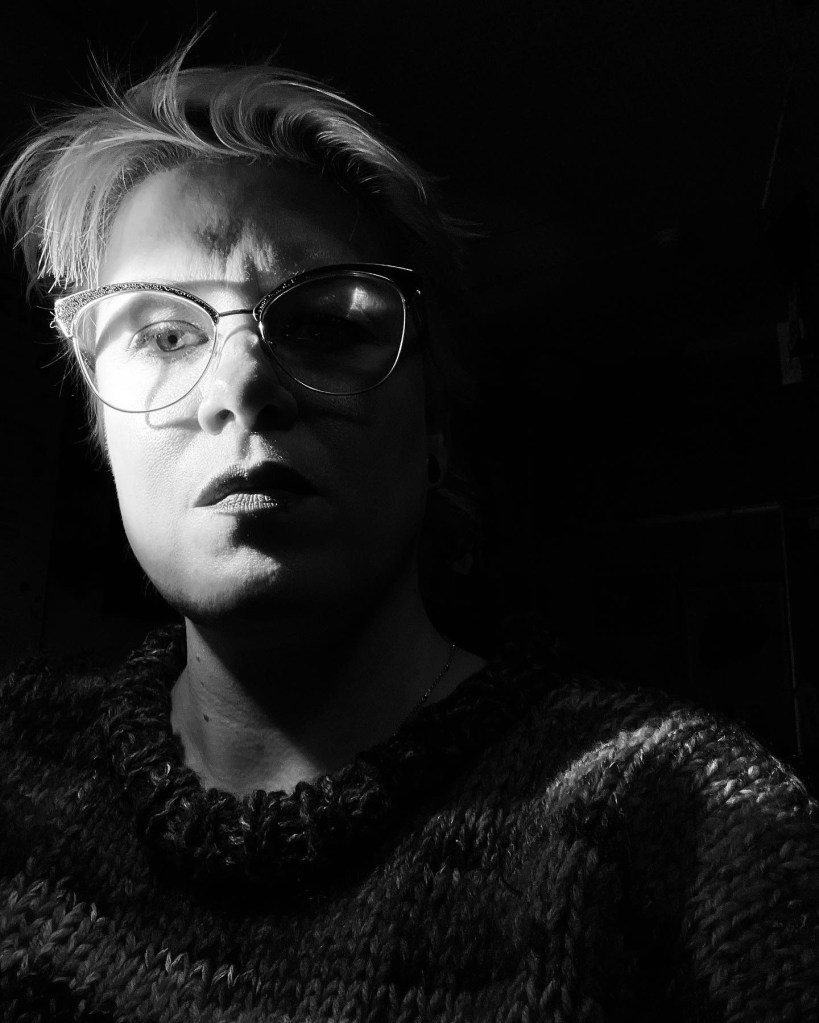
Above is my original photo. I took it with my iPhone set to noir.
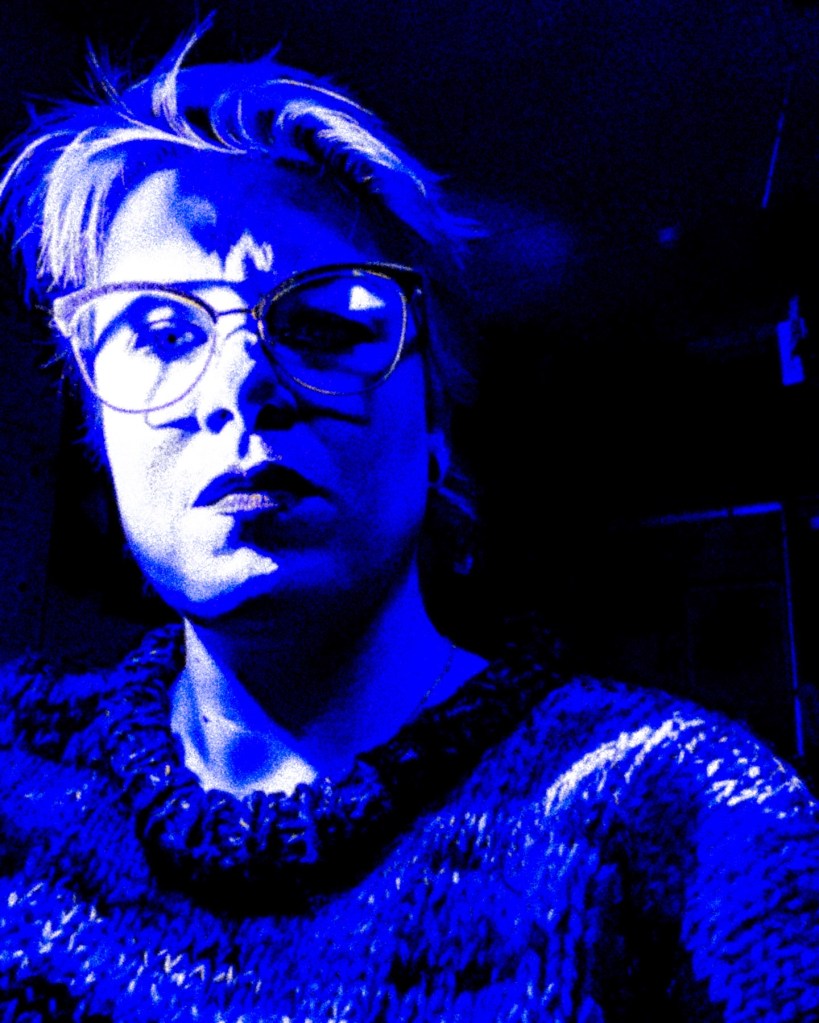
To edit the photo I started by editing in the Lightroom mobile app. I added a lot of noise to create the grainy texture, then lowered the contrast to make more of my sweater and the side of my face visible. Editing the saturation and vibrancy gave me a coloured image.
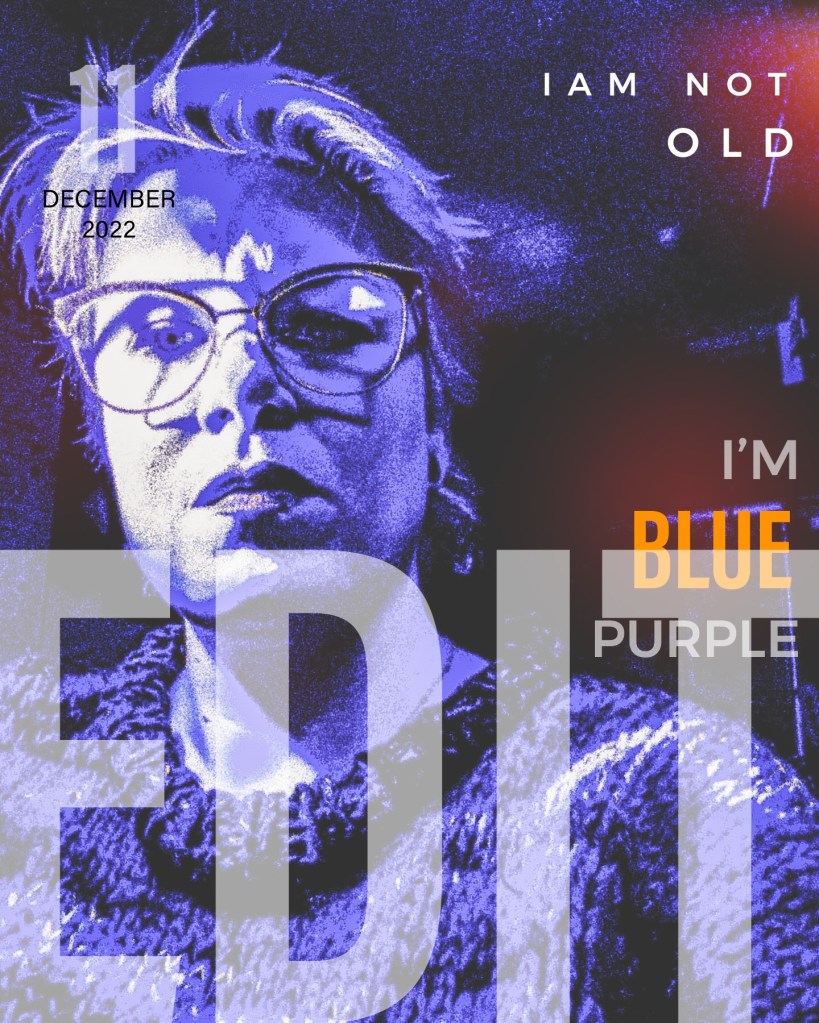
In the Photoshop mobile app I added the text and the orange light leak effects. I was thinking about jazz albums and imagined myself singing songs about not being old! I’m quite pleased with the end result!
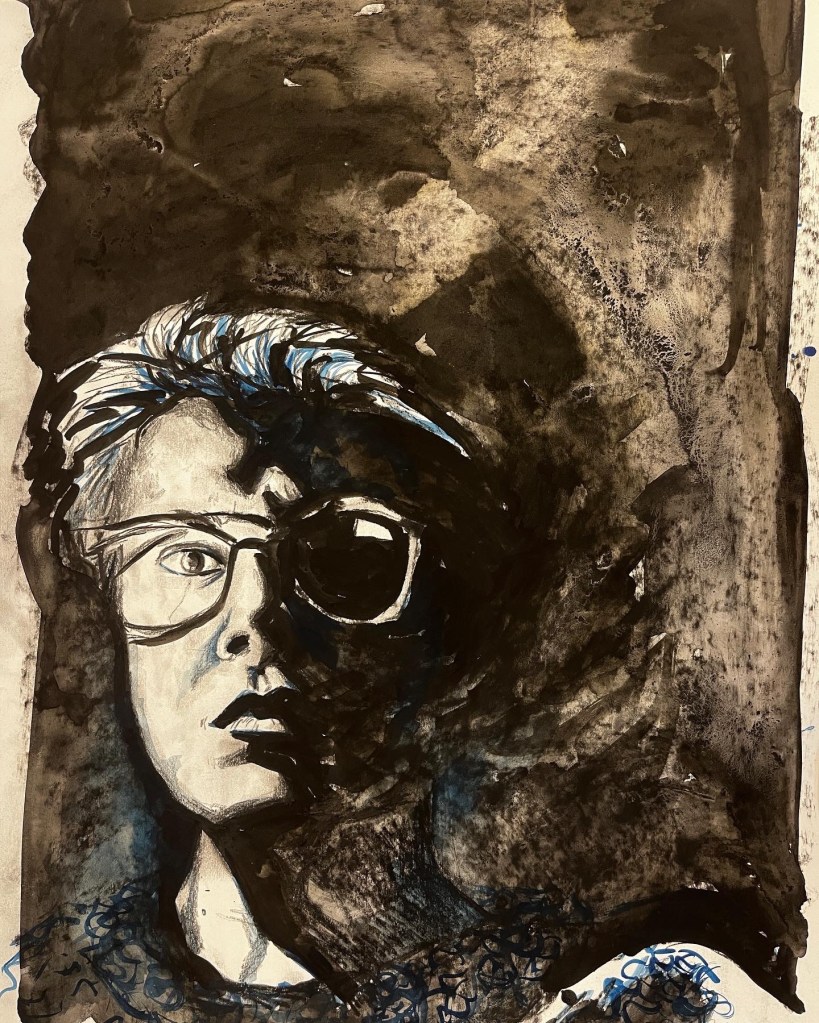
Here is my chiaroscuro drawing in progress. I still need to tweak some angles and proportions. I started with charcoal and conté which I then added water and Indian ink to. I also added some patterns in blue watercolour paint. It’s not done yet, I have some vague plans for what might be hiding in the darkness behind me. When it is done, I’ll post about it!

 Where the Art is
Leave a comment